You plug your iPhone in before bed. Nothing happens.
You unplug it, flip the cable, try again. Still nothing. Or maybe it charges—but only if you hold the cable at a certain angle.
If you're in Bali and relying on your phone for WhatsApp, Maps, Grab, Gojek, work, bookings or flights, a charging problem can become urgent pretty quickly.
But a charging iPhone does not automatically mean you need a new charging port.
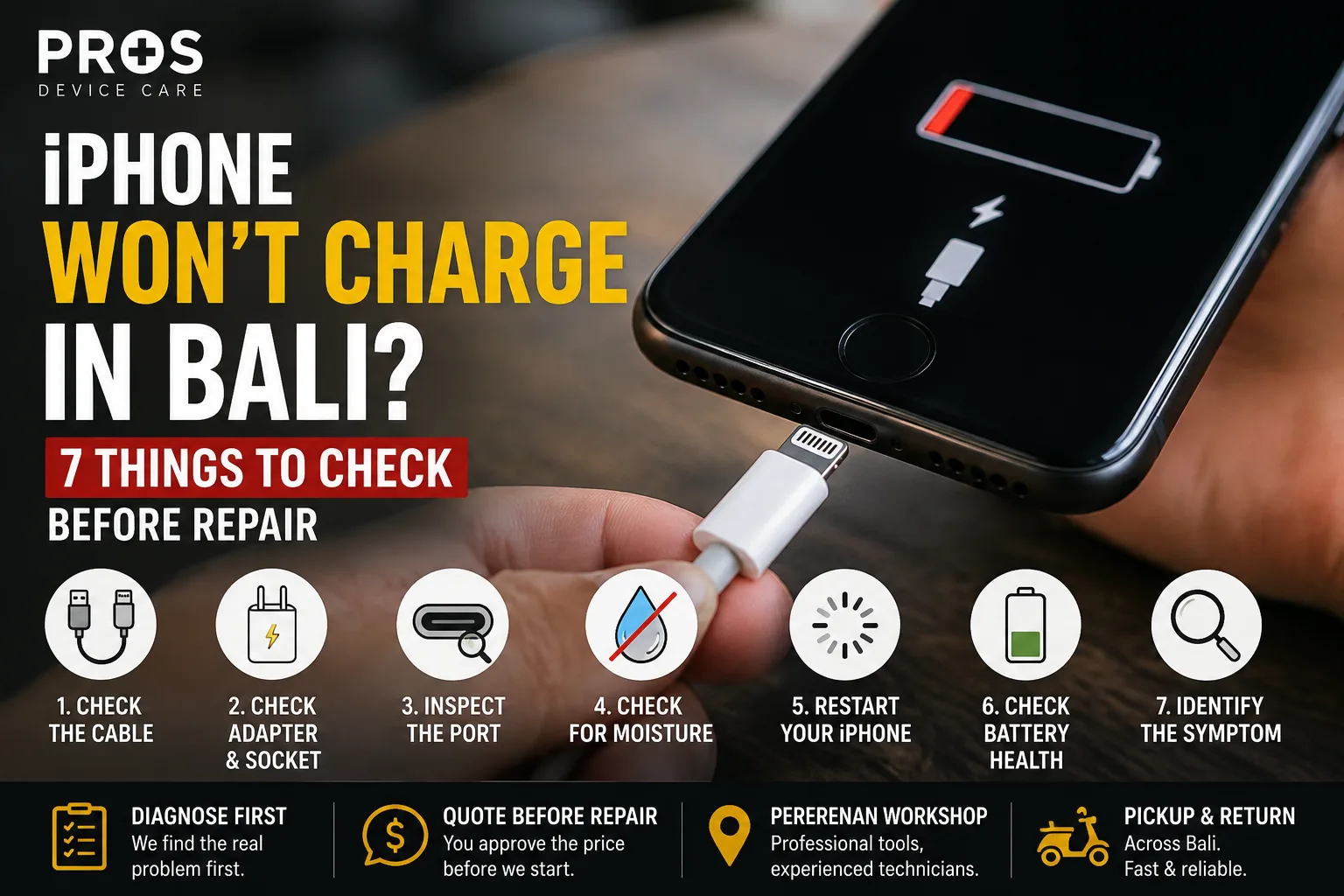
Before booking a repair, check these seven things.
1. Try a Different Cable
Start with the simplest possibility.
A damaged Lightning or USB-C cable can look completely normal from the outside. Internal wear around the connector can cause charging to become intermittent or stop completely.
Try another cable that you know works with another device.
If the second cable works normally, you've probably found the problem without repairing the phone.
2. Check the Power Adapter and Socket
Don't diagnose the iPhone while testing it with the same charger.
Try another compatible power adapter and another wall socket.
This is especially useful if you're staying in a villa, hotel or guesthouse and using travel adapters or unfamiliar power outlets.
If possible, test the same charger with another device too. The goal is to work out whether the failure follows the phone, cable, adapter or power source.
3. Look Inside the Charging Port
Now look carefully at the charging port.
Living or travelling in Bali means phones regularly meet pocket lint, dust and sand. Over time, debris can become compacted inside the port and prevent the connector from seating properly.
A common clue is a cable that no longer goes in as firmly as it used to—or only charges when held at an angle.
Don't start digging inside the port with a needle, pin or other metal object.
The contacts inside are small and can be damaged. If you can't clearly identify or safely remove the obstruction, let a technician inspect it.
4. Did the Phone Recently Get Wet?
This changes the situation.
If the iPhone was recently exposed to rain, a swimming pool, seawater or another liquid, charging problems may be related to moisture rather than an ordinary charging-port fault.
If you see a liquid detection warning, don't keep reconnecting the cable hoping it will eventually charge.
Disconnect it and allow the device to dry naturally.
A phone that has been significantly submerged—especially in seawater—deserves more caution because the problem may extend beyond the connector.
5. Restart the iPhone
If there has been no significant liquid exposure and the phone is otherwise behaving normally, restart it.
Occasionally, what appears to be a hardware charging problem can be related to software or system behaviour.
After restarting, connect a known-good charger again and see whether the behaviour changes.
6. Check Whether the Battery Is the Real Problem
Sometimes the charging port gets blamed when the battery is actually causing the symptoms.
Pay attention to what happens after the phone receives power.
Possible battery-related symptoms include:
- battery percentage dropping unusually quickly;
- unexpected shutdowns;
- the phone restarting under load;
- very poor battery life even after charging;
- the battery percentage behaving erratically;
- physical swelling or the screen beginning to lift.
If the phone or battery appears swollen, stop charging and using the device until it can be inspected.
7. Notice Exactly How It Fails to Charge
The symptom gives us useful information.
It charges only at an angle
This can point toward debris, connector wear, cable damage or a charging-port issue.
It charges wirelessly but not with a cable
That helps narrow the problem toward the wired charging path, although proper diagnosis is still needed before replacing parts.
It shows that it's charging but the percentage doesn't increase
The issue may involve the battery, power consumption, charging system or another fault rather than simply a dirty connector.
Nothing happens with any charger
If you've already tested known-good cables, adapters and outlets, the phone needs a closer look.
Does the Charging Port Need Replacing?
Maybe—but don't replace it based on a guess.
A charging problem can come from the cable, adapter, debris, moisture, battery, connector or another component inside the phone.
That's why diagnosis comes first.
At PROS, we check the actual symptoms before recommending a part replacement. If cleaning or another simpler solution fixes the problem, there is no reason to replace a working part.
Need Your iPhone Working Today in Canggu?
If you've tried the basic checks and your iPhone still won't charge, send PROS the exact iPhone model and a quick description of what happens when you connect the charger.
A photo or short video can also help.
PROS Device Care is based on Jalan Dalem Lingsir in Pererenan, near Canggu. For selected charging-port and straightforward repair jobs, repair at your villa, hotel or office may be possible depending on the model, problem and part availability.
If the repair needs workshop equipment or more detailed diagnostics, we can arrange collection and return instead.
Before replacing anything, find out what's actually broken.