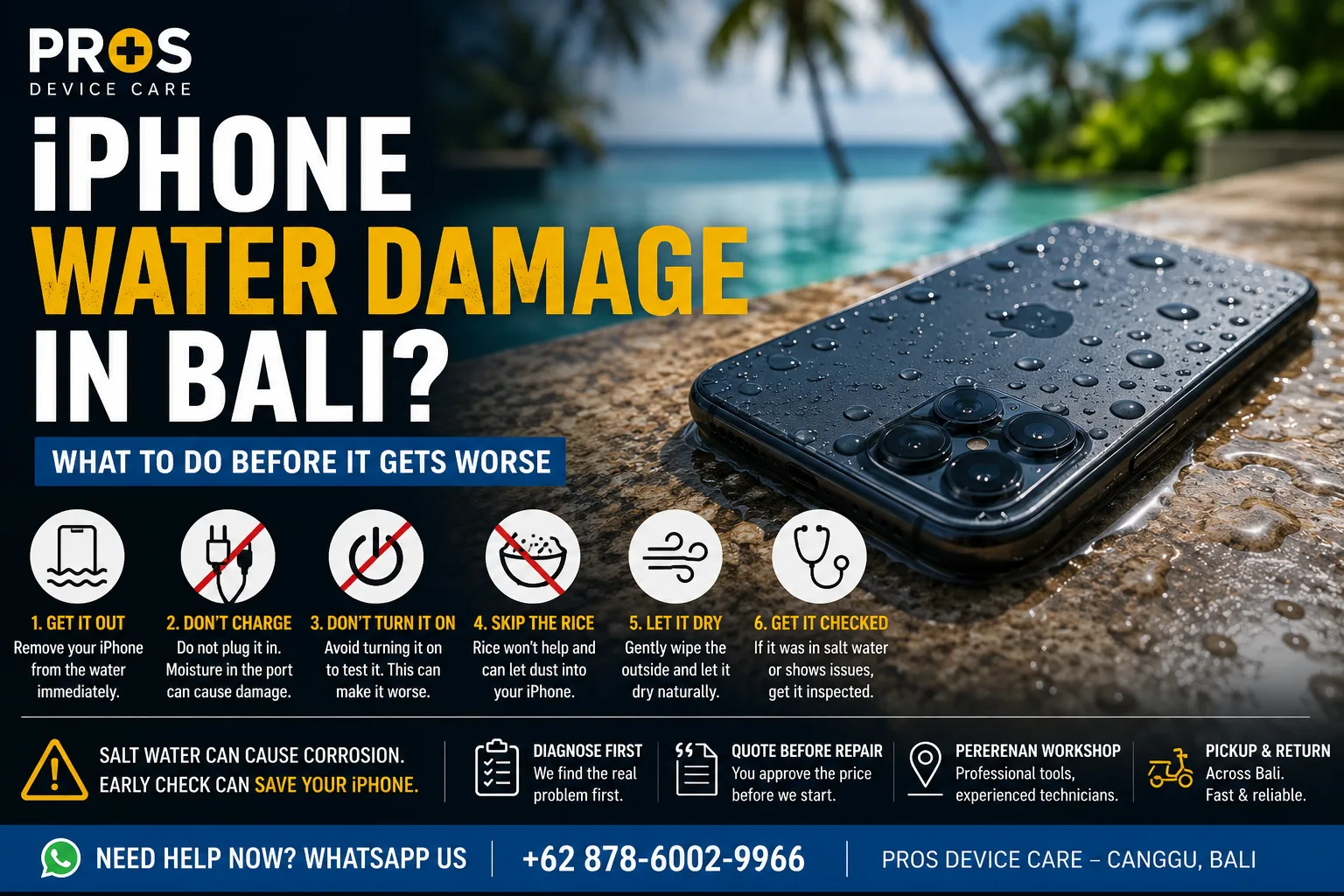
A wet iPhone in Bali can happen surprisingly fast. One moment your phone is beside the pool, on the beach, or inside your bag during a sudden rain shower — and the next, you are wondering whether it will turn on again.
If your iPhone has water damage in Bali, what you do immediately afterward matters. Even if the phone still appears to work normally, moisture inside the device can cause problems later.
Here are the steps worth taking before the situation gets worse.
1. Remove Your iPhone From the Water Immediately
This sounds obvious, but every extra moment of exposure matters. Take the phone out of the water and remove any case or accessories that may be holding moisture around it.
If the iPhone is connected to a charging cable, disconnect it. Do not reconnect the charger just to see whether the phone still charges.
2. Do Not Charge a Wet iPhone
If moisture has entered the charging port, plugging in a cable is one of the things you should avoid.
Newer iPhones may display a liquid detection warning when moisture is detected in the connector. If you see this warning, give the phone time to dry rather than repeatedly trying the charger.
If your iPhone stopped charging after getting wet, the problem may involve moisture, contamination, or damage around the charging components.
3. Don't Keep Turning It On to Test It
When an iPhone suddenly turns off after contact with water, the natural reaction is to press the power button again and again.
That is not necessarily helpful.
If liquid has reached internal components, repeatedly powering the device may increase the risk of electrical damage. If the phone has already switched off after significant water exposure, it is generally better to stop testing it and have it inspected.
4. Skip the Rice
Putting a wet phone into a bag of rice is one of the most common pieces of internet advice, but rice does not remove liquid trapped inside an iPhone.
Small particles can also get into ports and openings.
Instead, wipe the exterior gently with a clean, dry cloth and leave the phone somewhere dry with normal airflow. Avoid hair dryers, ovens, direct heat, and other attempts to force the phone to dry quickly.
5. Salt Water Deserves Extra Attention
There is an important difference between dropping an iPhone into fresh water and dropping it into the ocean.
Salt water can leave conductive and corrosive residue inside electronic devices. This makes beach and ocean accidents particularly important to address quickly.
An iPhone may even continue working immediately after the incident and develop symptoms later as corrosion progresses.
6. Watch for Delayed Water-Damage Symptoms
Water damage is not always obvious immediately. Your iPhone may seem fine at first.
Over the following hours or days, you might notice symptoms such as:
- the screen flickering or showing lines;
- Face ID suddenly not working;
- the speaker sounding muffled;
- the camera appearing foggy;
- charging becoming unreliable;
- the phone restarting unexpectedly;
- the battery draining unusually quickly; or
- the iPhone becoming unusually warm.
These symptoms do not automatically mean the phone is beyond repair. They do mean it is worth having the device inspected rather than waiting for the problem to become more serious.
7. Get the iPhone Checked If Something Seems Wrong
If your phone was submerged, exposed to salt water, or has started behaving differently after getting wet, a proper inspection can help determine what was affected.
The appropriate repair depends on what actually happened inside the device. Sometimes the issue may be limited to a particular component. In other cases, internal liquid exposure or corrosion may require more detailed diagnosis.
Need Help With a Water-Damaged iPhone in Bali?
If your iPhone got wet while you are in Bali, PROS Device Care can inspect the device and help identify the cause of the problem before recommending the appropriate repair.
Whether the accident happened at the beach, beside a pool, during heavy rain, or somewhere else, avoid repeatedly charging or testing a phone that is showing signs of liquid damage.
Contact PROS Device Care for an iPhone water-damage inspection in Bali.