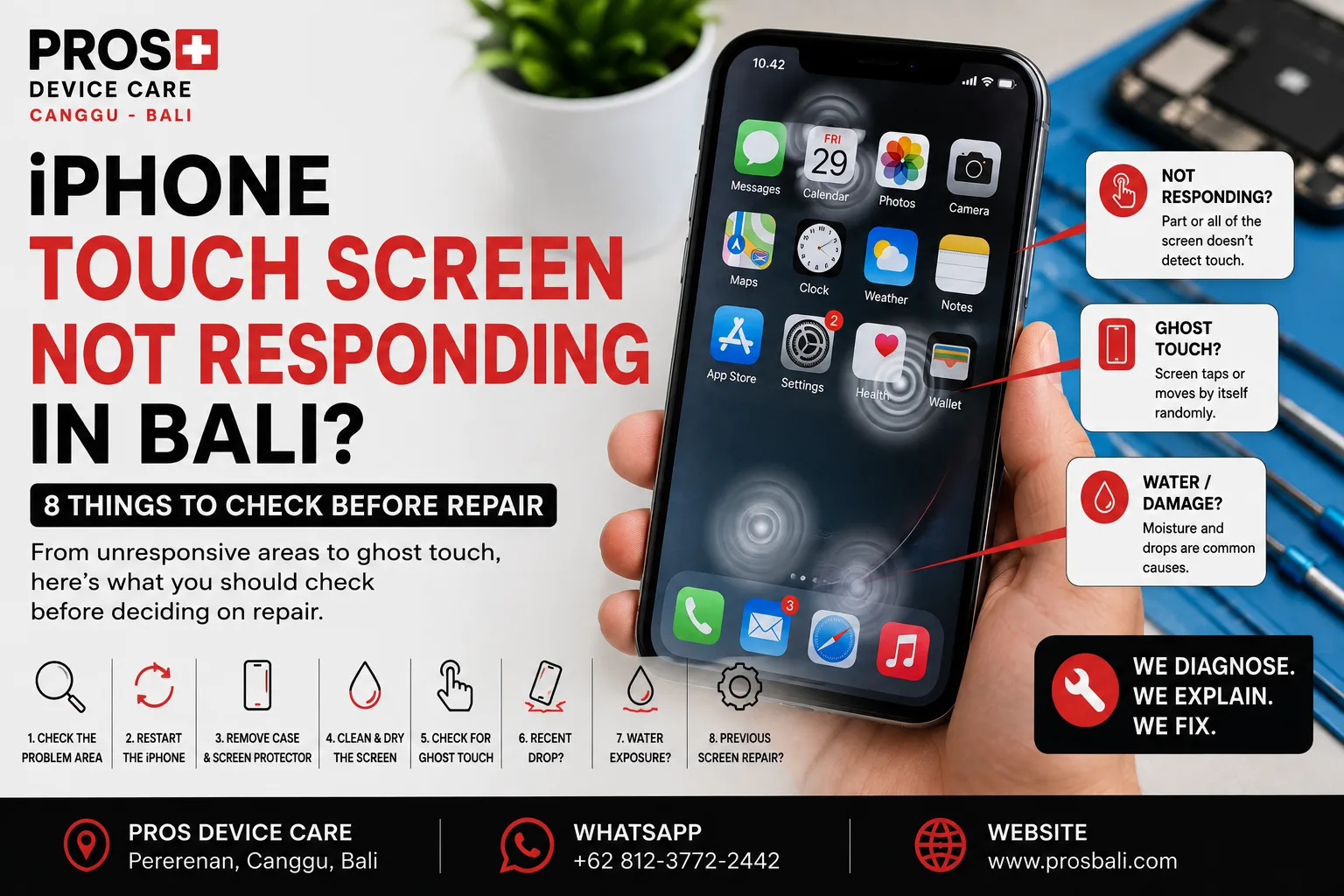
Your iPhone screen looks normal, but suddenly taps stop registering. Maybe one part of the display doesn't respond at all. In other cases, apps open by themselves, the keyboard types without you touching it, or the screen seems to have a mind of its own.
If your iPhone touch screen is not responding in Bali, the display does not necessarily need to be replaced immediately. Software problems, moisture, accessories, physical damage, and display-related faults can produce similar symptoms.
Here are eight things worth checking before deciding whether your iPhone needs repair.
1. Is the Entire Screen Unresponsive or Just One Area?
Start by identifying exactly what isn't working.
Try tapping and swiping across different areas of the display. Does the entire screen ignore touch, or is there only one strip, corner, or section that doesn't respond?
This distinction is useful when diagnosing the device, so tell the technician exactly where the problem occurs.
2. Restart the iPhone
If there has been no obvious physical damage or liquid exposure, restart the device.
A temporary software problem can occasionally cause the touchscreen to behave incorrectly. If normal touch operation returns after restarting and the problem does not come back, hardware repair may not be necessary.
If the issue repeatedly returns, however, further diagnosis is worthwhile.
3. Remove the Screen Protector and Case
A damaged, lifting, or badly fitted screen protector can sometimes interfere with normal touch operation.
Remove the case and, if appropriate, test the phone without the screen protector.
If the touchscreen immediately behaves normally again, an accessory may have been contributing to the problem.
4. Clean and Dry the Screen
Moisture, oil, sunscreen, dirt, and other material on the display can affect how accurately touch input is registered.
This is particularly relevant when using a phone around beaches, pools, rain, or outdoor activities in Bali.
Clean the screen gently with a suitable dry microfiber cloth and test it again with clean, dry hands.
5. Is Your iPhone Experiencing Ghost Touch?
“Ghost touch” describes a screen that appears to register touches you didn't make.
You might see apps opening by themselves, random keyboard input, menus moving, or the screen selecting items without your finger touching it.
If this happens frequently, don't ignore it. Accidental touches can make the phone difficult to use and could cause unwanted actions.
6. Did the Problem Start After a Drop?
A cracked display makes the connection obvious, but an iPhone does not need visible broken glass to develop touch problems after an impact.
If the touchscreen stopped responding or ghost touch began shortly after the device was dropped, mention that when requesting diagnosis.
Avoid repeatedly pressing, twisting, or bending the display to make it work. That can potentially make an existing problem worse.
7. Was the iPhone Exposed to Water?
Liquid exposure is another important clue.
Heavy rain, swimming pools, wet bags, beach activities, drinks, and accidental splashes are all realistic situations in Bali.
If touch problems began after the phone became wet, watch for other symptoms such as charging problems, camera fogging, muffled audio, unusual heat, Face ID issues, or unexpected restarts.
For devices exposed to liquid, see our water damage repair information for Bali.
Avoid deliberately heating the phone in an attempt to dry it.
8. Did the Problem Begin After a Previous Screen Repair?
If your iPhone has previously had its display replaced, tell the technician.
When a touch problem appears after a previous repair, the repair history becomes useful diagnostic information. It does not automatically mean the previous screen is responsible, but it should be considered alongside drops, moisture exposure, and other symptoms.
Does Ghost Touch Mean the Screen Needs Replacing?
Not automatically.
Ghost touch and unresponsive areas can have different causes. The condition of the display, previous repairs, physical damage, liquid exposure, software behavior, and other symptoms should be considered before recommending a replacement.
Diagnosis first helps avoid replacing components based only on assumptions.
What If You Can't Unlock the iPhone?
If touch input is unreliable, avoid repeatedly entering your passcode through random or uncontrolled screen taps.
If the device contains important photos, contacts, business information, or other data that is not backed up, mention this before repair or destructive software troubleshooting is attempted.
When Should You Get the iPhone Checked?
Consider professional diagnosis if:
- part or all of the touchscreen does not respond;
- the iPhone registers touches by itself;
- ghost touch keeps returning after a restart;
- the problem started after a drop;
- the phone was exposed to liquid;
- the display is cracked, lifting, flickering, or showing lines;
- the problem appeared after a previous screen repair; or
- the touchscreen is becoming progressively harder to use.
iPhone Touch Screen Diagnosis in Canggu, Bali
If your iPhone touchscreen isn't responding or the device is experiencing ghost touch, PROS Device Care can inspect the symptoms before recommending a repair.
PROS Device Care is located in Pererenan, Canggu, Bali. Tell us your exact iPhone model, which part of the touchscreen is affected, and whether the problem began after a drop, liquid exposure, or previous repair.
You can learn more about our iPhone repair service in Canggu and screen replacement service in Canggu.
Need help? Contact PROS Device Care and describe exactly what the screen is doing. A short explanation of when the problem started can make diagnosis considerably easier.