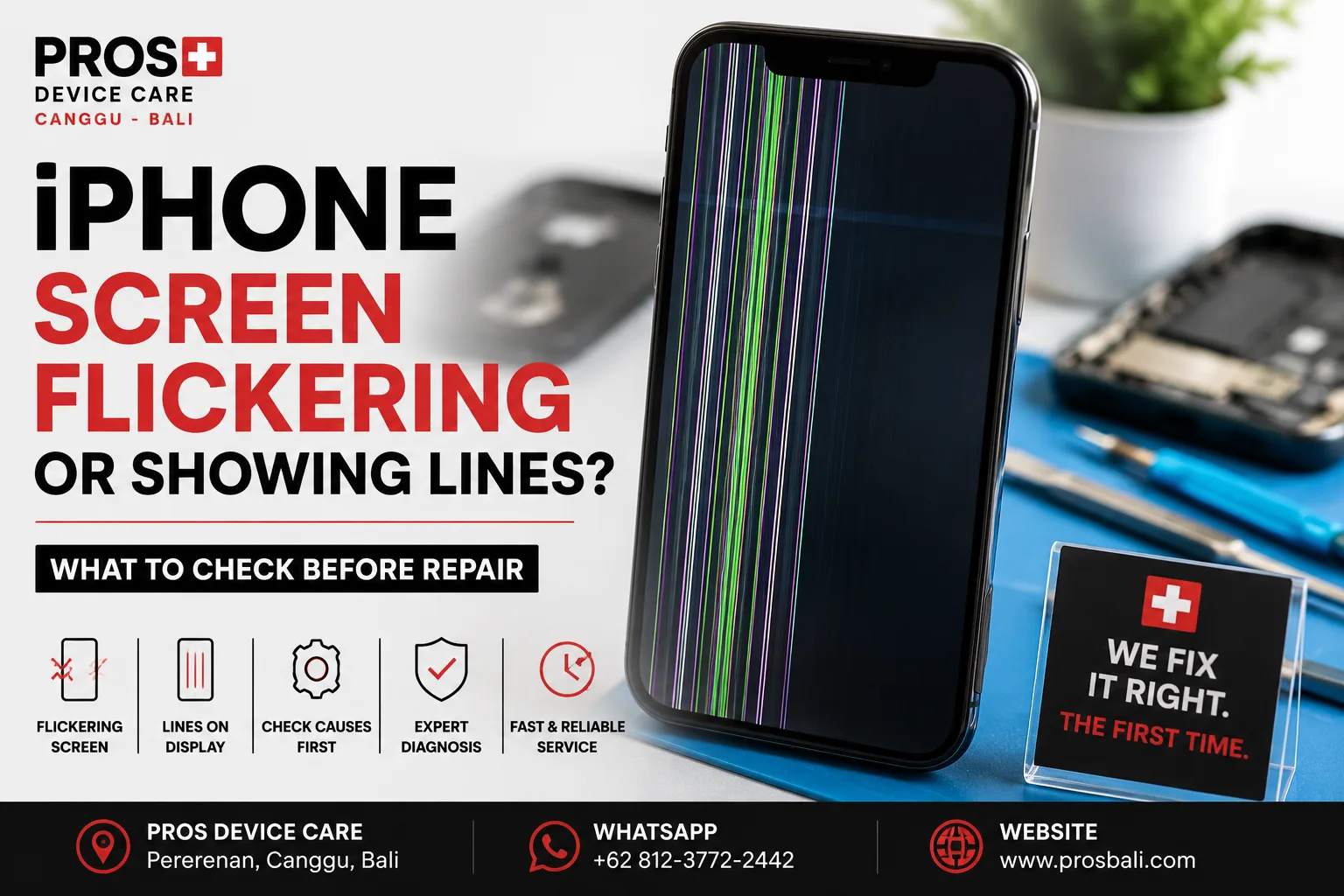
Your iPhone is working normally, then suddenly the display starts flickering. Maybe a thin green or white line appears. Perhaps part of the screen flashes, changes brightness, or becomes difficult to see even though the phone still responds to touch.
If your iPhone screen is flickering or showing lines in Bali, the symptoms can be frustrating, but they don't always tell you exactly which component has failed.
Before assuming that the entire screen needs replacing, there are several useful things to check.
What Does iPhone Screen Flickering Look Like?
Display problems don't always look the same. Common symptoms include:
- vertical green, white, pink, or black lines;
- the display flashing intermittently;
- brightness changing unexpectedly;
- part of the screen becoming darker than the rest;
- temporary image distortion;
- a display that works after restarting but fails again later; or
- touch working while the image itself looks damaged.
How and when the problem started can provide important clues.
1. Restart the iPhone First
If there has been no recent drop or liquid exposure, start with a restart.
Temporary software or display behavior can sometimes disappear after the device reboots. If the problem never returns, hardware repair may not be necessary.
If the flickering or lines come back repeatedly, however, further diagnosis makes sense.
2. Check Whether the Problem Changes With Brightness
Try adjusting the screen brightness and observe what happens.
Does the flickering become worse at low brightness? Does a line remain visible regardless of brightness? Does the screen briefly return to normal?
You don't need to diagnose the device yourself. These observations are simply useful information to give a technician.
3. Did the iPhone Recently Fall?
A screen doesn't need to be visibly shattered for a drop to cause display problems.
An impact may damage the display assembly or affect a connection while leaving the outer glass looking relatively normal.
If lines or flickering appeared immediately after a fall, avoid repeatedly pressing or bending the screen in an attempt to make the image return.
4. Look for Signs of Liquid Exposure
In Bali, liquid exposure isn't limited to dropping an iPhone into water.
Heavy rain, swimming pools, wet bags, drinks, beach environments, and high-moisture situations can all matter.
If display problems started after the device became wet, pay attention to other symptoms such as unusual heat, camera fogging, charging issues, unexpected restarts, or Face ID problems.
If you suspect liquid entered the phone, avoid intentionally heating the device to dry it.
5. Check Whether Touch Still Works
Display and touch problems can occur together or separately.
Your iPhone might show lines while touch continues working normally. In another case, the image may look fine while certain parts of the touchscreen stop responding.
Tell the technician exactly which behavior you're experiencing. It can make diagnosis much more efficient.
6. Did the Problem Start After a Previous Screen Replacement?
If the iPhone has been repaired before, mention it.
A display problem appearing shortly after a screen replacement should be assessed in context. The cause could be related to the display itself, installation, physical damage occurring afterward, or another issue entirely.
A proper diagnosis is more useful than automatically replacing another part.
7. Back Up Important Data If the Screen Still Works
If your screen is deteriorating but the iPhone is still usable, consider backing up important data while you can.
Some display faults remain stable for a long time. Others become worse unexpectedly.
Backing up your photos, contacts, documents, and other important information is a sensible precaution before any repair.
Does a Flickering iPhone Always Need a New Screen?
No.
The correct repair depends on the cause of the symptom. A technician should consider the device history, physical condition, liquid exposure, previous repairs, and the exact display behavior before recommending parts.
For that reason, diagnosis should come before making assumptions about screen replacement.
When Should You Get the iPhone Checked?
Consider having the device inspected if:
- vertical or horizontal lines remain on the screen;
- flickering keeps returning after a restart;
- the problem began after a drop;
- the iPhone was recently exposed to liquid;
- part of the touchscreen has stopped responding;
- the display becomes black intermittently; or
- the symptoms are becoming progressively worse.
iPhone Screen Diagnosis in Canggu, Bali
If your iPhone screen is flickering, displaying lines, or behaving unpredictably, PROS Device Care can inspect the device before recommending a repair.
Our workshop is located in Pererenan, Canggu, Bali. Tell us your iPhone model, what the display is doing, and whether the problem began after a drop, liquid exposure, or previous repair.
You can also learn more about our iPhone repair service in Canggu or our screen replacement service in Canggu.
If the symptoms appeared after the phone became wet, see our water damage repair information for Bali.
Need help? Contact PROS Device Care with the exact symptoms and your iPhone model so we can advise you on the appropriate next step.