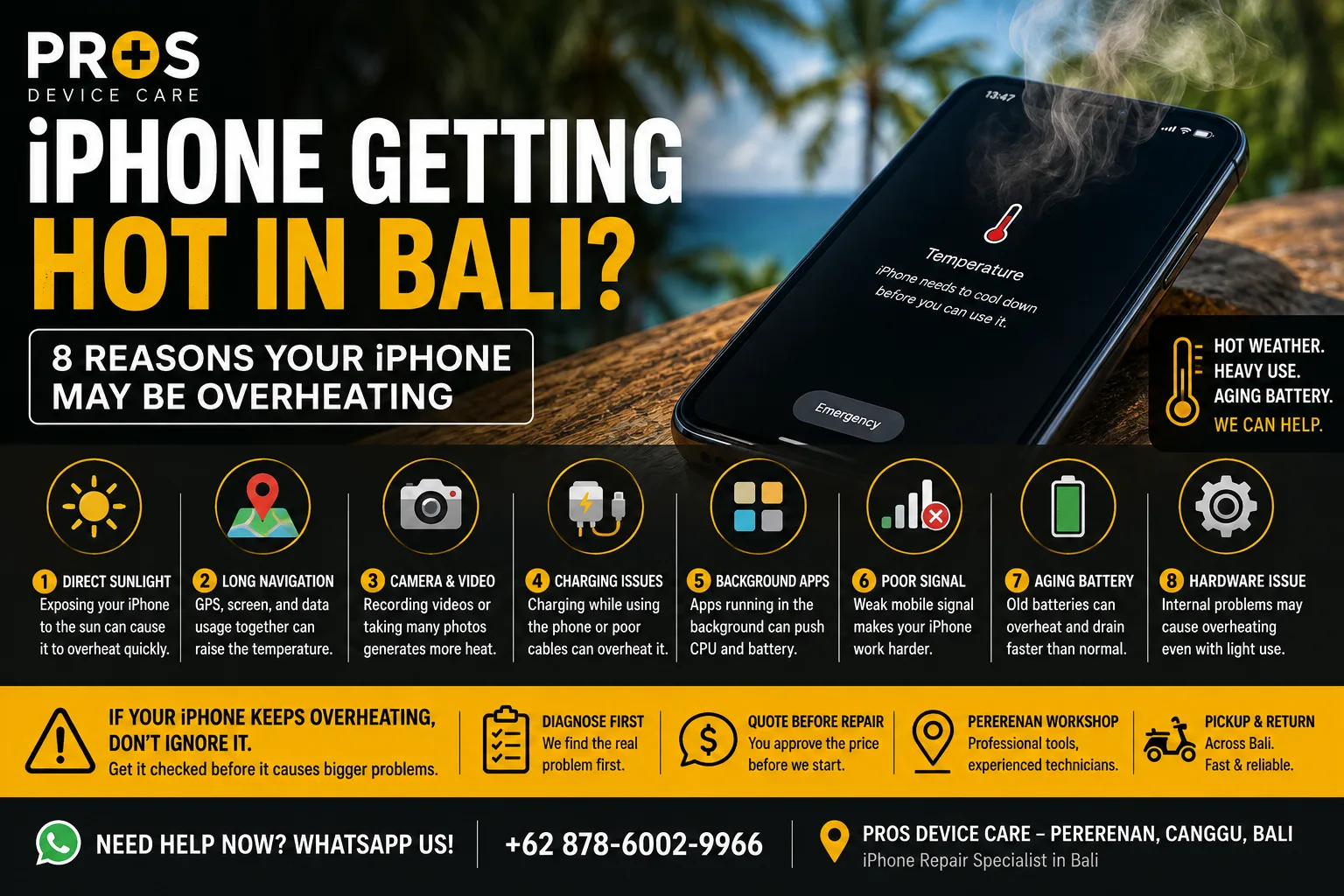
Your iPhone feels unusually hot in your hand. The screen dims, charging slows down, or you see a temperature warning telling you the device needs to cool down.
In Bali, this can happen more easily than you might expect. Hot weather, direct sunlight, navigation, video recording, mobile data, charging, and an aging battery can all contribute to higher temperatures.
But there is an important difference between an iPhone becoming warm during heavy use and an iPhone that keeps overheating during normal use.
If your iPhone is getting hot in Bali, here are eight things worth checking.
1. Your iPhone Has Been in Direct Sunlight
Start with the environment around you.
Leaving an iPhone on a scooter mount, beach chair, restaurant table, or car dashboard under direct sunlight can heat the device quickly.
If this happens, move the iPhone somewhere cooler and out of direct sunlight. Stop demanding activities for a while and allow the phone to cool naturally.
Do not put an overheated iPhone into a refrigerator or freezer. Rapid temperature changes and condensation can create additional problems.
2. You're Using Navigation for a Long Time
Google Maps and other navigation apps can place several demands on an iPhone at once.
The screen may stay bright, GPS remains active, mobile data is being used, and the phone may be charging at the same time.
This combination is common when travelling around Bali and can make the phone noticeably warmer.
If possible, keep the device away from direct sunlight and avoid covering it while navigating.
3. Heavy Camera or Video Use Is Heating the Phone
Taking photos normally shouldn't cause serious overheating, but long periods of high-resolution video recording can generate significant heat.
This becomes more noticeable when recording outdoors in Bali's warm weather.
If the phone becomes very hot while recording, stop for a while and allow it to cool before continuing.
4. The iPhone Gets Hot While Charging
A little warmth during charging can be normal. Becoming excessively hot is different.
Pay attention if your iPhone regularly gets very hot when connected to a charger, particularly if charging is also unusually slow or inconsistent.
Try a known-good compatible cable and charger.
If your iPhone is not charging properly as well as becoming hot, the charging system, battery, cable, or charging port may need further inspection.
5. An App Is Working Too Hard in the Background
Sometimes the hardware isn't the original cause.
An app that is constantly using location services, processing data, uploading files, or repeatedly crashing can increase processor activity and battery consumption.
Check which apps are consuming unusually large amounts of battery. Restarting the iPhone can also help determine whether the heat was caused by a temporary software process.
6. Poor Mobile Signal Can Increase Battery Use
Your phone has to work harder to maintain a connection when cellular coverage is weak or unstable.
This can contribute to increased battery consumption and heat, particularly when you're also using maps, messaging, social media, or hotspot functionality.
If the phone only gets warmer in certain locations but behaves normally elsewhere, network conditions may be part of the explanation.
7. The Battery May Be Aging
If overheating happens repeatedly even during ordinary use, battery condition becomes more important.
Other warning signs can include:
- Battery draining much faster than before
- Unexpected shutdowns
- Battery percentage changing suddenly
- Phone becoming hot during light use
- Poor charging performance
- Reduced battery runtime
An aging battery doesn't automatically mean it needs immediate replacement, but persistent heat combined with poor battery performance is worth diagnosing.
8. There May Be an Internal Hardware Problem
If the phone becomes extremely hot without an obvious reason, continues overheating after a restart, or gets hot while barely being used, don't keep guessing.
There can be several possible causes, and replacing parts without diagnosis may not solve the actual problem.
A technician can inspect the device, test its charging and battery behavior, and look for signs of internal damage before recommending a repair.
What Should You Do When an iPhone Gets Too Hot?
Disconnect it from the charger if it is charging, move it away from direct sunlight, stop demanding apps, and give it time to cool naturally.
Avoid placing ice against the phone or trying to cool it rapidly.
If the device returns to a normal temperature and the problem doesn't happen again, it may simply have been caused by the environment or heavy usage.
If it happens repeatedly, however, finding the cause becomes more important.
Need Your iPhone Checked in Canggu?
If your iPhone keeps overheating during normal use, PROS Device Care can diagnose the device before you decide whether any parts need replacing.
Our workshop in Pererenan, Canggu, Bali can inspect common causes including battery condition, charging problems, and other hardware issues.
Pickup and return service may also be available depending on your location in Bali.
Need help with an overheating iPhone? Contact PROS Device Care via WhatsApp and tell us your iPhone model, when it becomes hot, and whether you notice any other symptoms.