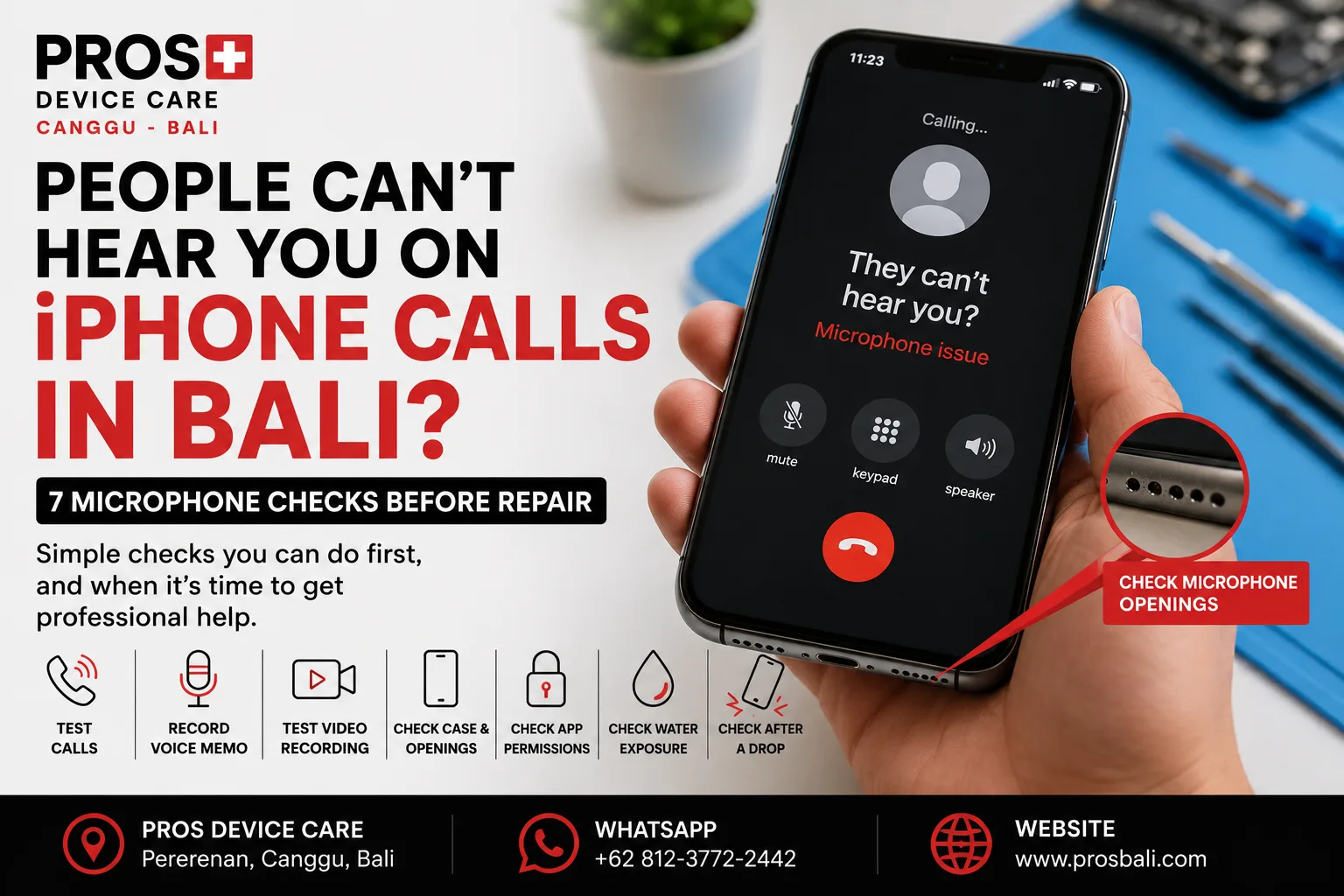
You answer a call and the other person keeps saying, “I can’t hear you.” Maybe your voice sounds very quiet, muffled, distorted, or disappears completely. Strangely, the iPhone may still work normally for everything else.
If your iPhone microphone is not working properly in Bali, don't immediately assume that the microphone needs replacing. Cases, dirt, moisture, app permissions, physical damage, and different microphone components can produce similar symptoms.
Here are seven useful checks to make before deciding whether your iPhone needs repair.
1. Test More Than One Phone Call
Start by checking whether the problem happens consistently.
Make a second call if possible. Try calling a different person and compare the result. Poor reception or a temporary connection problem can sometimes sound like a microphone fault.
If several people consistently struggle to hear you, continue with the checks below.
2. Record a Voice Memo
A simple Voice Memo can provide useful information.
Record yourself speaking normally, then play the recording back. Listen for low volume, distortion, crackling, interruptions, or complete silence.
If the recording sounds clear while regular phone calls do not, tell the technician. The difference can help narrow down the problem.
3. Test a Video Recording
iPhones use multiple microphones for different functions.
Record a short video with the rear camera and another with the front camera. Speak while recording and listen to both videos afterward.
If one recording sounds normal while another sounds unusually quiet or distorted, that is valuable diagnostic information.
4. Remove the Case and Check the Microphone Openings
A poorly fitted case can obstruct microphone openings. Dirt and debris can also accumulate around the bottom of an iPhone over time.
Remove the case temporarily and make another test call or recording.
Avoid inserting needles, pins, or other sharp objects into microphone openings. Trying to clean them aggressively can cause additional damage.
5. Check App Microphone Permissions
If the microphone works during normal calls but fails in WhatsApp, Instagram, another messaging app, or a recording application, check that application's microphone permission.
A permission issue can affect one app while the microphone continues working elsewhere.
Testing several functions before arranging a repair can help separate an app-specific problem from a hardware issue.
6. Did the Problem Start After Water Exposure?
Moisture is particularly relevant in Bali.
Heavy rain, wet hands, swimming pools, beach activities, spilled drinks, or a wet bag can expose an iPhone to liquid without the phone being completely submerged.
If microphone problems appeared after the device became wet, also watch for charging issues, muffled speakers, camera fogging, unusual heat, display problems, or unexpected restarts.
If you suspect liquid entered the device, avoid deliberately heating the phone to dry it.
7. Did the iPhone Recently Fall?
A drop can cause more than a cracked screen.
If people stopped hearing you properly immediately after an impact, mention that when requesting diagnosis. Even if the exterior looks fine, the timing of the symptom can be important.
Also note whether the speaker, charging port, cameras, buttons, or display began behaving differently after the same incident.
Why Does My Microphone Work in Some Apps but Not Others?
This doesn't automatically mean the phone is behaving randomly.
An iPhone has multiple microphones, and different applications or recording modes may use them differently. App permissions and software behavior can also affect individual functions.
For diagnosis, it helps to explain exactly where the microphone works and where it doesn't.
Does a Microphone Problem Always Require Replacement?
No.
The correct solution depends on the cause. An obstructed opening, app setting, moisture exposure, physical damage, connection issue, or component fault should not automatically receive the same repair.
Diagnosis before replacing parts can help avoid unnecessary work.
When Should You Get the iPhone Checked?
Consider professional diagnosis if:
- people consistently cannot hear you during calls;
- your voice sounds very quiet or distorted;
- Voice Memos contain little or no sound;
- one recording mode works while another does not;
- the problem started after a drop;
- the iPhone was recently exposed to liquid; or
- restarting and checking permissions do not solve the issue.
iPhone Microphone Diagnosis in Canggu, Bali
If people can't hear you clearly during calls or your iPhone microphone behaves differently between apps, PROS Device Care can inspect the device before recommending a repair.
Our workshop is located in Pererenan, Canggu, Bali. Tell us your exact iPhone model, which apps or functions are affected, and whether the problem began after a drop, liquid exposure, or previous repair.
For other device problems, see our iPhone repair service in Canggu. If the microphone issue appeared after the phone became wet, see our water damage repair information for Bali.
Need help? Contact PROS Device Care and describe where the microphone works, where it doesn't, and when the problem first appeared.