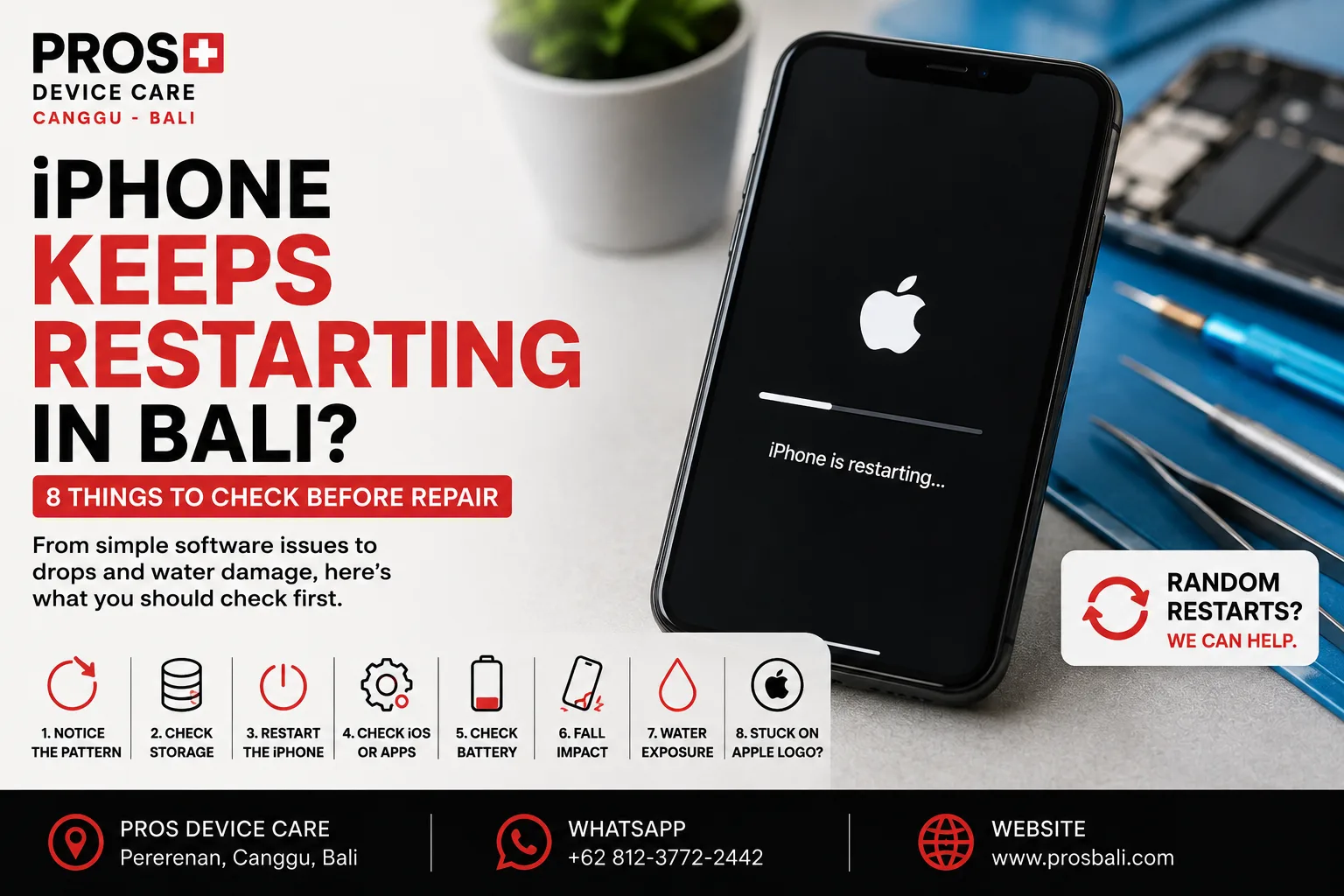
Your iPhone is working normally, then suddenly the screen goes black and the Apple logo appears. A few minutes later, it happens again. In more serious cases, the phone never reaches the Home Screen and keeps restarting in a loop.
If your iPhone keeps restarting in Bali, don't immediately assume the device is beyond repair. Restarting can be related to software, storage, battery performance, physical damage, liquid exposure, or another hardware issue.
Here are eight useful things to check before deciding what to do next.
1. Notice When the Restart Happens
The pattern can tell you a lot.
Does the iPhone restart while charging? During camera use? When opening certain apps? Only when the battery gets low? Or does it restart even when sitting untouched?
Write down what happens immediately before each restart. This information can make professional diagnosis much more efficient.
2. Check Your Available Storage
An iPhone with extremely limited free storage can begin behaving unpredictably.
If you can still access the phone, check how much storage remains. Remove unnecessary large videos, downloads, or apps if the device is almost completely full.
Don't randomly delete important data simply to troubleshoot. Back up anything important first whenever possible.
3. Restart the iPhone Normally
If the problem only happened once, perform a normal restart and continue using the device.
An isolated restart does not necessarily indicate damaged hardware.
If the phone begins restarting repeatedly, however, especially several times per day, there is likely a reason worth investigating.
4. Check for an iOS or App Problem
Think about when the issue began.
Did the restarting start immediately after installing an app or changing something on the device? Does it happen only while using one particular application?
Software problems can sometimes cause instability, so establishing whether the symptom is connected to a particular app or action is useful before assuming hardware failure.
5. Pay Attention to Battery Behavior
Battery-related symptoms can sometimes appear alongside unexpected restarts.
For example, the battery percentage may drop unusually quickly, change suddenly, or the iPhone may restart when the remaining charge reaches a certain level.
If your phone also has poor battery life, you can learn more about iPhone battery replacement in Canggu.
Battery symptoms are useful clues, but they don't automatically prove that the battery is the only cause.
6. Did the iPhone Recently Fall?
If the restarting began after a drop, tell the technician.
A device can suffer internal damage even when the outer glass and frame appear relatively normal. The timing between an impact and a new symptom is valuable diagnostic information.
Also note whether the camera, display, charging, Face ID, speakers, or buttons changed after the same incident.
7. Was the iPhone Exposed to Liquid?
Liquid exposure deserves particular attention in Bali.
Heavy rain, pools, wet bags, beach activities, spilled drinks, or accidental immersion can introduce moisture into a device.
An iPhone affected by liquid does not always stop working immediately. Problems can develop later and may include unexpected restarting, charging issues, unusual heat, camera fogging, display problems, or audio faults.
If the restarting began after the phone became wet, see our water damage repair information for Bali.
Avoid deliberately heating the device in an attempt to dry it.
8. Is the iPhone Stuck on the Apple Logo?
A phone that repeatedly shows the Apple logo but never reaches the Home Screen is commonly described as being stuck in a boot loop.
This symptom deserves careful diagnosis because software and hardware problems can produce similar visible behavior.
If important data is stored on the device, mention that before any repair or software restoration is attempted.
Should You Factory Reset a Restarting iPhone?
Not as your first reaction.
A factory reset can erase your data, and it may not solve a hardware-related problem. If your photos, contacts, messages, or work files are important and not backed up, consider the data implications before performing destructive troubleshooting.
When the cause is unclear, diagnosis first is usually the safer approach.
Does Random Restarting Mean the Logic Board Is Damaged?
Not necessarily.
Unexpected restarts can have multiple causes. Assuming that every boot loop means a serious board problem can lead to unnecessary worry and potentially unnecessary repair work.
The device history and exact symptoms should be considered before drawing conclusions.
When Should You Get the iPhone Checked?
Consider professional diagnosis if:
- the iPhone restarts several times per day;
- it repeatedly gets stuck on the Apple logo;
- restarts occur while charging;
- the battery percentage behaves unusually;
- the problem started after a drop;
- the iPhone was recently exposed to liquid;
- the device becomes unusually hot; or
- you cannot reliably reach the Home Screen.
iPhone Restart and Boot Loop Diagnosis in Canggu, Bali
If your iPhone keeps restarting or is stuck in a boot loop, PROS Device Care can inspect the device and help identify the likely cause before recommending a repair.
Our workshop is located in Pererenan, Canggu, Bali. Tell us your exact iPhone model, how often it restarts, and whether the problem appeared after a drop, liquid exposure, software change, or previous repair.
For other iPhone problems, see our iPhone repair service in Canggu.
Need help? Contact PROS Device Care and describe exactly what happens before the restart. If the iPhone contains important data that isn't backed up, tell us that too before troubleshooting begins.